How to Check and Improve Your Website's SEO: A 30-Minute Owner's Guide
A 30-minute self-check for business owners. Use Google Search Console, PageSpeed Insights, a snippet preview and AI assistants to find the SEO fixes that matter for leads.

To check your website's SEO, start with the free tools Google already provides. Confirm your key pages are indexed in Google Search Console, see which searches you already appear for, and test speed on a phone with PageSpeed Insights. Then preview your titles as customers see them and ask AI assistants like ChatGPT about your business. On most small business sites, the whole check takes about 30 minutes and needs no SEO background.
Most free SEO checkers return a score and a long list of warnings. They don't tell you which warnings cost you customers. This guide gives you seven checks, explains what good looks like for each, and shows you how to decide what to fix first and what to ignore.

Key Takeaways
- Indexing comes first. A page Google has not indexed cannot rank. Use the URL Inspection tool in Google Search Console to confirm that every money page shows as on Google.
- Your rankings are already in Search Console. The Performance report shows clicks, impressions and average position with up to 16 months of history. Queries at positions 8–20 are your fastest wins.
- Judge speed on mobile, with real-user data. Google mainly indexes the mobile version of a site. A page passes Core Web Vitals at LCP 2.5 s, INP 200 ms and CLS 0.1 or better.
- Check AI answers manually. Ask ChatGPT, Gemini and Perplexity real buyer questions several times. Record whether you are mentioned, whether the details are accurate, and who gets cited instead.
- Prioritize by revenue, not by score. Fix money pages first. Ignore meta keywords warnings, which Google does not use, along with cosmetic issues on pages that never get traffic.
Your Website SEO Checklist at a Glance
Use this table as a quick SEO health check. It also answers whether your website is SEO friendly. Each row maps to a step below with full instructions.
| Check | Where | What good looks like | Fix priority |
|---|---|---|---|
| Key pages indexed | Google Search Console: URL Inspection and Page indexing report | Every page that sells or captures leads shows as on Google | Highest |
| Current rankings and clicks | Search Console: Performance report | Main service pages appear for buyer searches, and impressions are growing | High |
| Striking distance keywords | Search Console: Performance, sorted by position | A short list of queries at roughly positions 8–20 | High |
| Speed and Core Web Vitals | PageSpeed Insights, mobile tab | LCP ≤ 2.5 s, INP ≤ 200 ms, CLS ≤ 0.1 | Medium (High if failing on money pages) |
| Mobile experience | Your own phone on mobile data | Phone number and contact form reachable in seconds | High |
| Titles and descriptions | Google results plus a snippet preview tool | Unique, specific title on every important page | Medium |
| Content decay | Search Console: Performance, Compare dates | No lead-generating page losing clicks for 3 months running | Medium |
| AI search visibility | ChatGPT, Gemini, Perplexity, Google AI Overviews | Your business is named, accurately, for core buyer questions | Medium, rising |
The speed thresholds come from Google's Core Web Vitals guidance on web.dev. Work through the table once, then repeat it monthly. You can also replace the manual routine with automated daily audits and monitoring.
Step 1: Check Whether Google Can Find and Index Your Pages
Start here, because a page Google has not indexed cannot rank for anything. Indexing means Google has crawled the page and stored it in the database that search results come from.
- For a quick look, search
site:yourdomain.comin Google. Google notes that this operator does not necessarily return every indexed page, so treat it as a rough signal. - For a reliable answer, verify your site in Google Search Console, Google's free dashboard for site owners.
- Paste your homepage and each main service or product page into the URL Inspection tool. You want to see 'URL is on Google'.
- Open the Page indexing report and read the reasons listed for pages that are not indexed.
The usual culprits are a leftover noindex tag from the site build, a robots.txt file that blocks important folders, or several duplicate versions of the same page. These are technical SEO problems. Technical SEO covers the settings that control whether search engines can access and understand your site.
What good looks like: every page that sells something, books an appointment or captures a lead is indexed. Some pages are normally left out of the index, such as tag pages, login screens and thin archives. Those need no action.
Step 2: See What You Rank for Today in Google Search Console
Open the Performance report in Search Console and set the date range to the last 3 months. Then look at the Queries and Pages tabs. They show the actual searches that put your site in front of people, which beats guessing.
The report gives four numbers for each query or page:
- Clicks: visits from Google.
- Impressions: how often you appeared in results.
- Click-through rate: the share of impressions that became clicks.
- Average position: where you typically ranked.
Sort queries by impressions to see where Google already treats you as relevant. For a deeper walkthrough, see this guide to reading Google Search Console reports.
Q: How do I check my website ranking for free?
A: Use the Performance report in Google Search Console. It shows your average position for every query your site appears for, with up to 16 months of history. Searching Google yourself is less reliable because results vary by location, device and search history.
Next, find your striking distance keywords. These are queries where your average position sits roughly between 8 and 20, so the page ranks near the bottom of page one or on page two. For these pages, a sharper title, a clearer answer or an extra section usually moves them up faster than a brand-new page would.
What good looks like: your main service pages appear for buyer searches, not only for your brand name. Buyer searches combine a service with a location, or a product with a use case. Impressions should also trend upward over the period.
Step 3: Test Speed and Mobile Experience
Run your homepage and your top service page through PageSpeed Insights on the mobile tab. Google mainly uses the mobile version of a site's content for indexing and ranking, so the phone experience is the one that counts.
Focus on the top section of the results. It shows field data from real Chrome users when your site has enough traffic. The lab score below it comes from a simulated test. The lab score helps you find the cause of a problem, but it does not reflect what visitors actually experience.
Q: What is a good Core Web Vitals score?
A: Per Google's web.dev guidance, a page passes on three measures, checked at the 75th percentile of visits. Largest Contentful Paint should be 2.5 seconds or less. Interaction to Next Paint should be 200 milliseconds or less. Cumulative Layout Shift should be 0.1 or less.
Core Web Vitals are Google's three measures of loading speed, responsiveness and visual stability. Search Console also has a Core Web Vitals report that groups failing pages by page type. That tells you whether one fix will repair many pages at once.
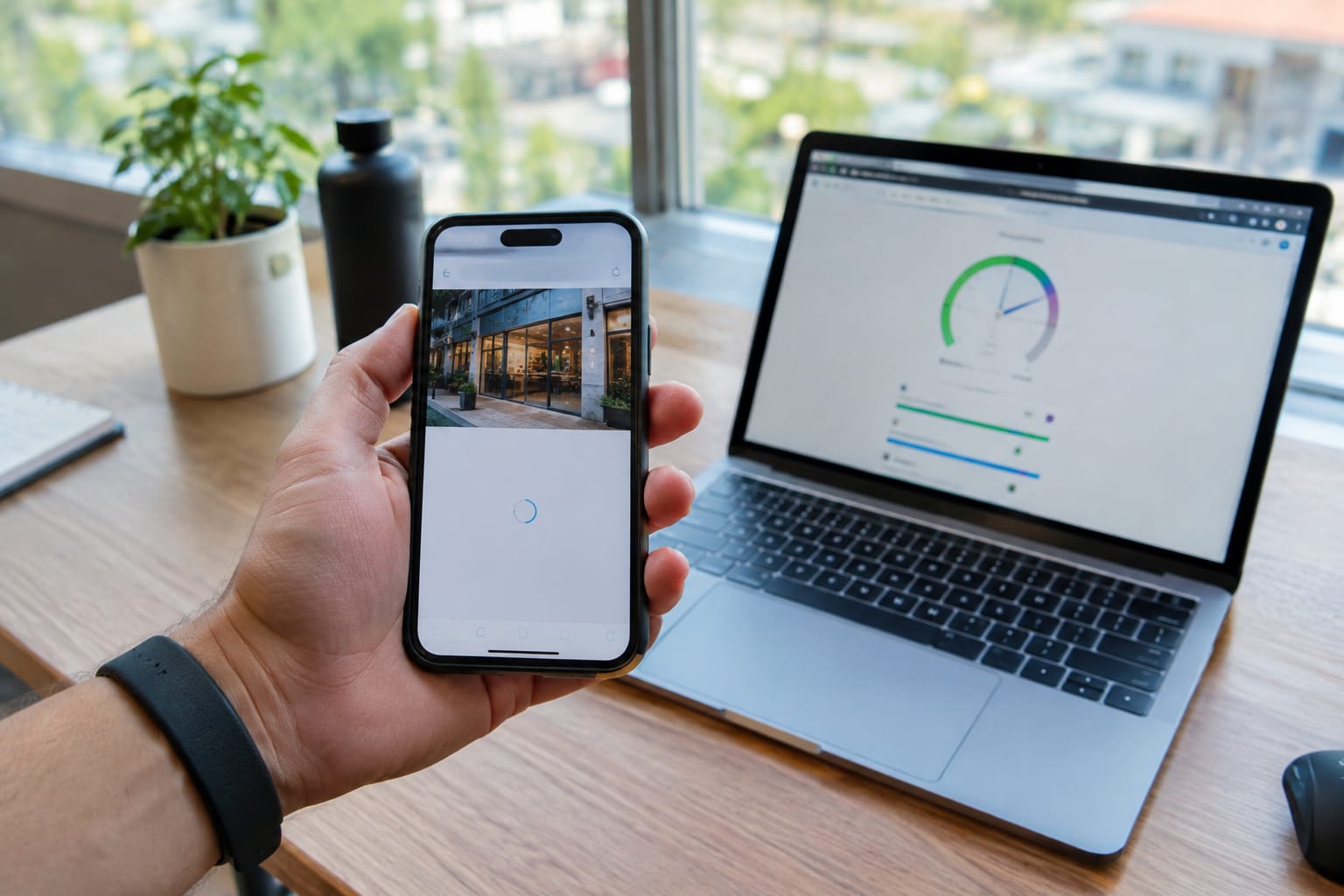
Then run the test no tool can do. Open your site on your own phone over mobile data. Find your phone number, tap it, and submit your contact form. If any of that takes more than a few seconds, fix it before anything else on this list.
What good looks like: Core Web Vitals pass on your money pages, text is readable without zooming, and the call or booking button is visible without scrolling.
Step 4: Review Titles and Descriptions as Customers See Them
Search Google for your main services and read your own listing the way a stranger would. Two parts of the listing decide whether people click you or the result next to you. The first is the blue headline, called the meta title or title link. The second is the short description below it.
Google doesn't always show the text you wrote. It may rewrite title links when a title is vague, stuffed with keywords or doesn't match the page. It also often builds the description from page content instead of using your own.
Use the free SERP snippet preview tool to draft and test replacements before you publish them. According to the tool page, the closer a snippet matches the search query, the more likely Google is to show it instead of rewriting it.
A strong title names the service, the place or main benefit, and the brand. Each page needs its own title. Ten pages all titled 'Home | Company Name' compete with each other and tell Google nothing about what each page offers.
What good looks like: every important page has a unique, specific title. Rewrite first the pages that get many impressions but few clicks in Search Console.
Step 5: Spot Pages That Are Losing Traffic
In the Search Console Performance report, use Compare to set the last 3 months against the previous 3 months. Then open the Pages tab and sort by the change in clicks. The pages that lost the most clicks are your content decay candidates.
Content decay is the gradual loss of traffic on a page that used to perform well. There are three common causes:
- The information went out of date.
- Competitors published something more complete.
- The results page changed and now answers the question directly.
Seasonal businesses should compare against the same months last year instead.
The fix is usually a refresh, not a rewrite. Update prices, dates and screenshots, and keep the same URL. Add answers to the questions people now search for, which you can find in that page's queries in the same report. If you merge two weak pages into one, redirect the old address so you keep its links.
What good looks like: no lead-generating page has lost clicks three months in a row without a clear reason.
Need help with this? Get started
Step 6: Ask ChatGPT and Google About Your Business
Ask ChatGPT, Gemini and Perplexity the questions your buyers ask. Also check whether Google AI Overviews appear for your main searches. Together, this is a free AI search visibility check, and many business owners never run one.
Write down five to ten real buyer questions, such as:
- best [your service] in [your city]
- [your product category] for [a specific use case]
- [your brand] reviews, or [your brand] pricing
- [your brand] vs [the competitor customers ask about]
For each answer, record three things:
- Whether your business is mentioned.
- Whether the details about it are accurate.
- Which competitors or websites the assistant cites instead.
Those cited sources show which pages AI tools trust in your market. Google AI Overviews are the AI-generated summaries at the top of some Google results. Google says standard SEO best practices still apply to its AI features, with no special requirements.

AI answers change from one session to the next. Run each question a few times, on different days, before drawing conclusions. A simple spreadsheet works for a first check. Over the longer term, tracking your visibility in AI answers week by week gives you a trend instead of a snapshot.
What good looks like: your business appears, with correct details, for questions about your core service, and your own pages are among the cited sources.
Step 7: Prioritize Fixes by Business Impact, Not by Score
Rank every issue by how close the affected page sits to revenue, then fix from the top down. An audit score can weigh a missing image description on a forgotten old blog post the same as a broken booking page. Your fix list shouldn't.
Use this order:
- Money pages that are not indexed or not usable on mobile.
- Money pages in striking distance (positions 8–20).
- Titles on pages with high impressions and low clicks.
- Core Web Vitals failures on page types that cover many pages.
- Decaying pages that used to bring leads.

Knowing what to skip matters just as much. You can ignore these warnings:
- Meta keywords tag: Google does not use the keywords meta tag in ranking.
- Cosmetic issues on pages that never get traffic.
- Text-to-HTML ratio alerts.
- A perfect lab speed score: stop chasing it once real-user Core Web Vitals pass.
Pro Tip: Before fixing a warning, look up the affected page in the Search Console Pages tab. Move it to the bottom of the list if it had almost no impressions in 3 months and you don't need it to rank.
Turning a One-Off Check Into Continuous Monitoring
A 30-minute check is a snapshot. Indexing can break after a plugin update, a competitor can publish a stronger page, or an AI assistant can start recommending someone else. A monthly routine catches those changes weeks late. That delay is the gap between checking your website's SEO and steadily improving it.
SERP Agent, which publishes this guide, runs these checks as an ongoing process. You connect your domain and Google Search Console in about two minutes, and the first audit arrives the same day. No briefs or SEO knowledge are required. The system audits and repairs the site's foundation first, then analyzes competitors and the live search results. It builds a strategy and only then writes and publishes content.
Each website has its own plan, and both plans include weekly or daily automated audits:
- $199 per month: a weekly audit, up to 500 keywords and rank tracking for 50 of them.
- $299 per month: a daily audit, up to 2,000 keywords and rank tracking for 300. It adds AI mention monitoring, backlink and conversion monitoring, and gap analysis against 10 competitors.
Both plans renew monthly and can be cancelled anytime.
SERP Agent publishes client results as case studies. One site grew from 770 organic clicks a month in February 2026 to 1,925 in July 2026. Over the same period, its average Google position improved from 28.7 to 16.4. GoBorn reached DR 94 (Domain Rating, a measure of link authority) with 634 referring domains and earned more than 500 citations in AI answers. A brand-new SaaS launch went from almost no search footprint to 232 top-10 keywords without the founders writing content.

The checklist stays the same whether you run it by hand or automate it: indexed money pages, growing rankings, a fast mobile site, clickable titles, refreshed content and a presence in AI answers.
Related Articles
- What Is AI SEO? — How AI-driven SEO differs from traditional optimization and what that means for a small business.
- How AI Search Is Rewriting the Rules of SEO in 2026 — What changes when buyers ask ChatGPT and AI Overviews instead of scrolling through results.
- How to Read Google Search Console Like an Analyst — A deeper walkthrough of the Performance and indexing reports used in this checklist.
Useful Links
- SEO on Autopilot: Audit, Strategy & Daily Content
- Free SEO Tools — SERP Snippet, Meta, FAQ Schema & llms.txt
- AI Search Visibility Tracking
- SERP Agent Pricing — $199 & $299/mo, Cancel Anytime
- GoBorn — booked out by search & cited by AI
Need help with this? SERP Agent Pricing · Get started
Хотите, чтобы это делали за вас — каждый день?
Подключите сайт, и SERP Agent возьмёт на себя аудит, контент и публикации на автопилоте.