SEO for Plumbers: How to Get More Service Calls From Google and AI Search Without Hiring an SEO Team
A practical SEO guide for plumbers: win emergency near-me searches, turn DIY searches into booked jobs, get reviews, and show up in AI search.
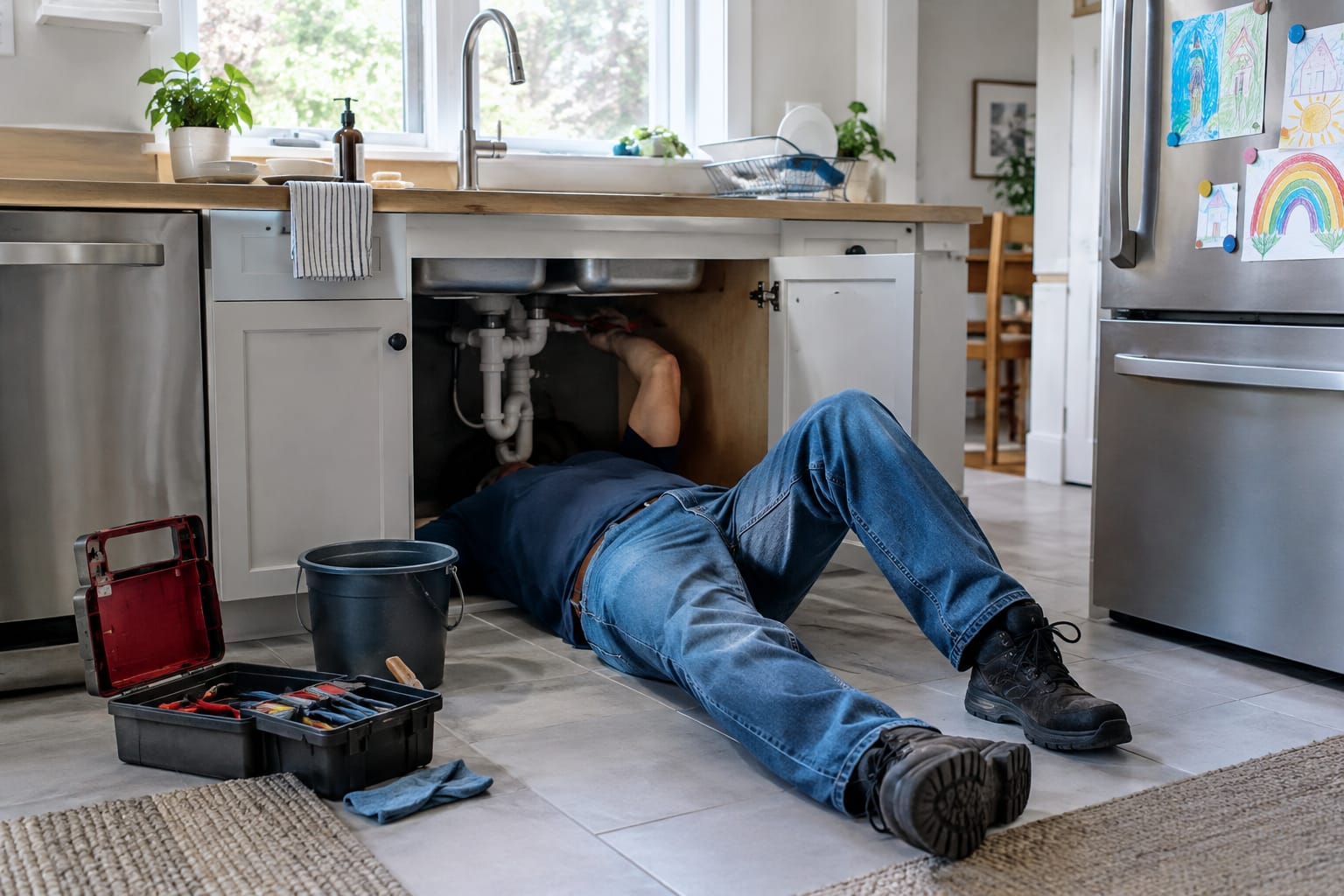
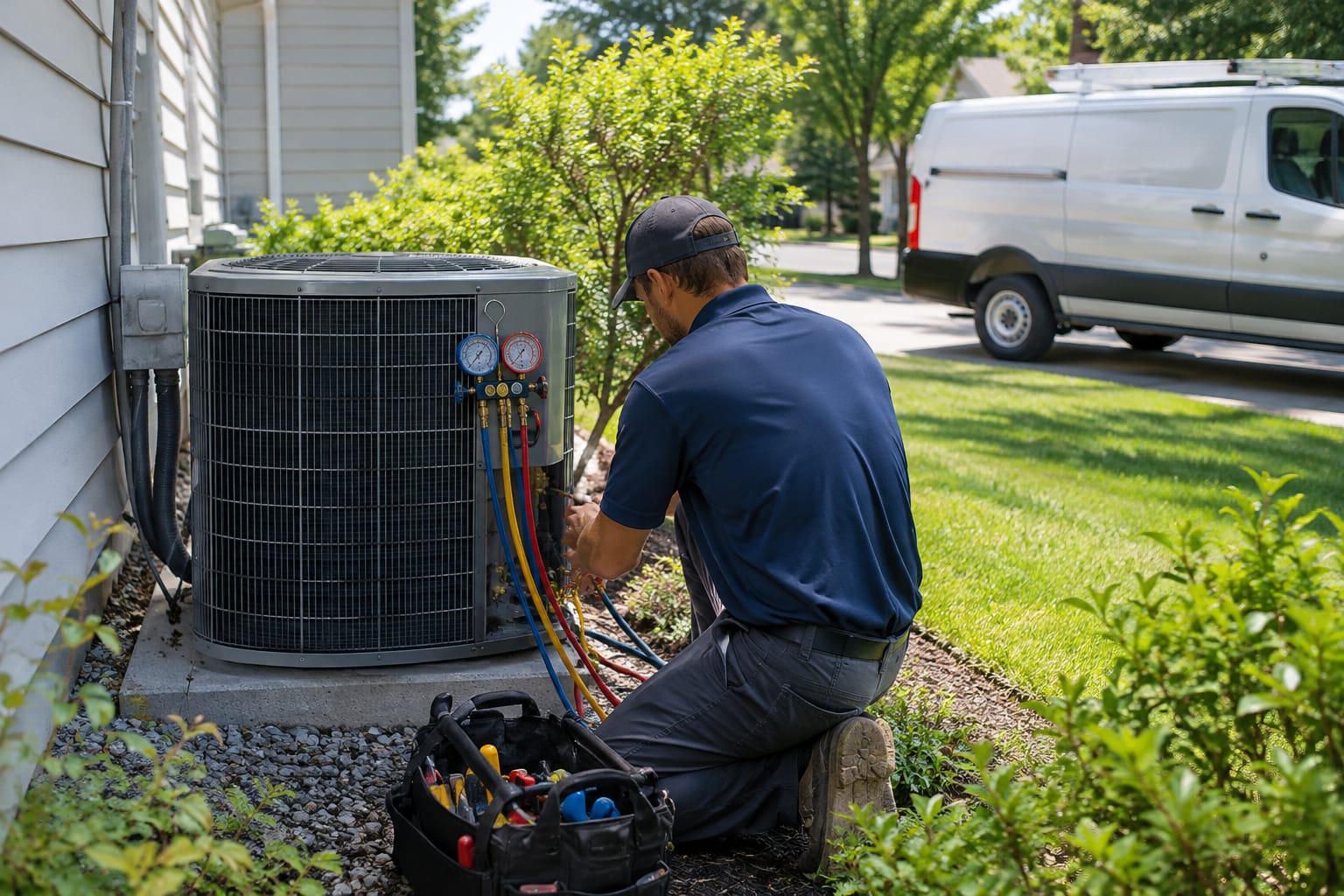
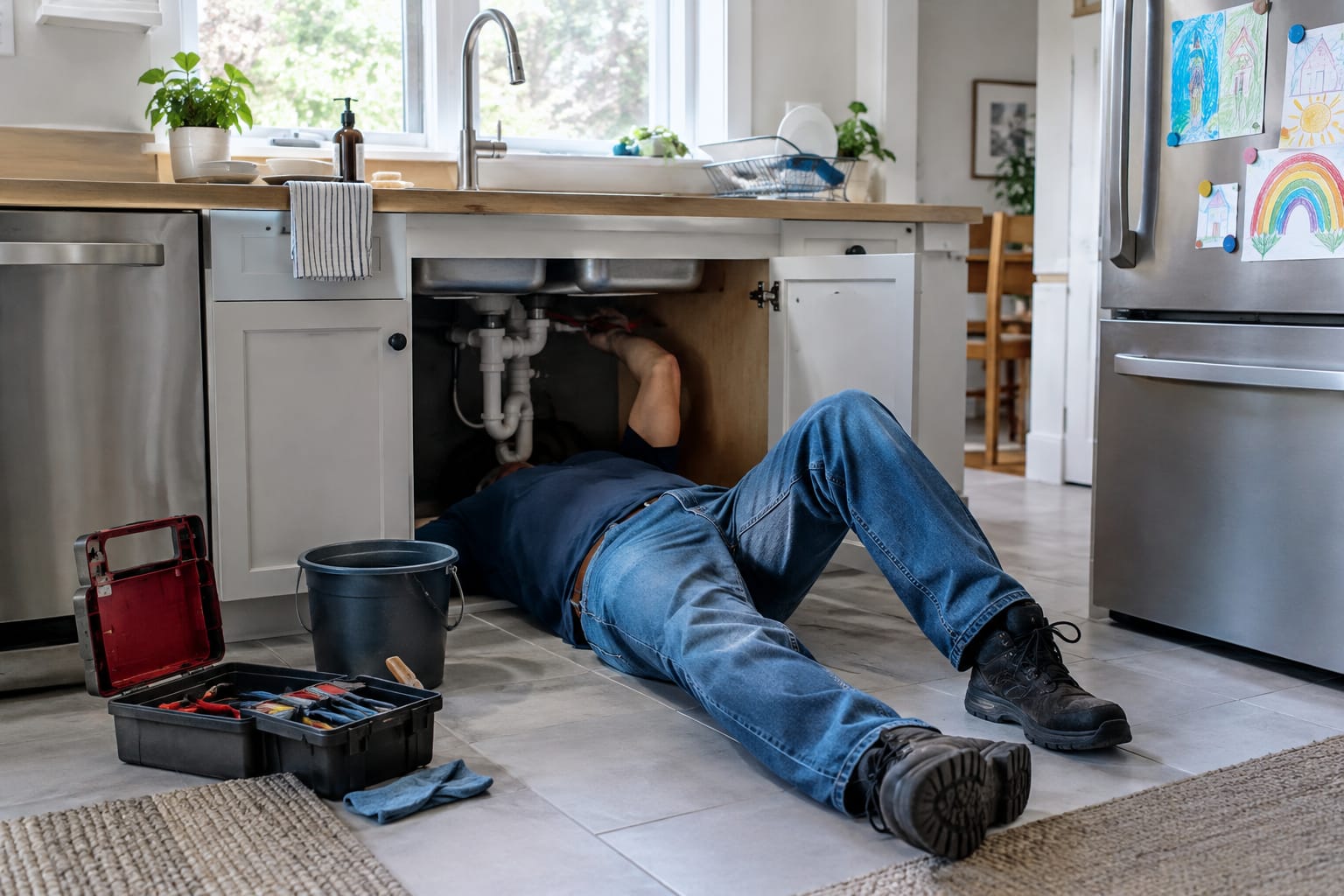
SEO for plumbers comes down to being the first credible, callable option when a homeowner searches in a panic or plans a bigger job. In practice, that means three things: a Google Business Profile built for emergency “near me” searches, a website page for every service you want more of, and honest answers to the questions homeowners ask before they call.
Most plumbing marketing advice stops at a generic checklist. This guide focuses on what is specific to plumbing. Burst pipes and sewer backups get decided in minutes, and many future customers first try to fix the problem themselves. It ends with an honest comparison of SEO, lead services and ads, and a look at who should run the work.
This guide is published by SERP Agent, which makes AI SEO automation software. Where it compares options, it notes where each one fits.
Key Takeaways
- Google Business Profile comes first. Google ranks local results mainly on relevance, distance and prominence, so accurate hours, a defined service area and recent reviews decide emergency near-me searches.
- One page per profitable service. Separate pages for drain cleaning, water heaters and sewer lines give each search a clear match; avoid copy-paste town pages that Google treats as doorways.
- DIY searches are future customers. Honest how-to guides with a clear stop-and-call point capture homeowners before they pick a plumber.
- Use your own price ranges. Cost pages built from your invoices earn price searches and filter out poor-fit callers; borrowed national averages erode trust.
- AI search follows the same basics. Google says no special optimization is needed for AI Overviews; consistent business facts, clear answers and reviews are what help.
- Pick channels by owner time. Ads and lead services buy calls now, SEO builds calls without per-lead fees; DIY, agency and autopilot differ mostly in how much of your time they take.
The Plumber SEO Checklist
The full plan in one list. Each item is explained in the sections below.
- Claim and verify your Google Business Profile, with “Plumber” as the primary category.
- Show accurate hours. List 24-hour service only if a person actually answers at night.
- Define your service area on your profile and on your website.
- Build one page per service: drain cleaning, water heaters, sewer lines, leak detection and emergency plumbing.
- Put a tap-to-call phone number at the top of every mobile page.
- Publish honest DIY guides that say exactly when to stop and call.
- Answer cost questions with your own real price ranges.
- Ask every satisfied customer for a review the same day.
- Keep your business name, address and phone number identical everywhere online.
- Check monthly whether ChatGPT and Google AI Overviews mention you.
Set Up Your Google Business Profile to Win Emergency “Near Me” Searches
Plumbers win emergency searches when their Google Business Profile shows accurate hours, a clearly defined service area, the right category and recent reviews. That profile powers your spot in the Google map pack, the block of local businesses with a map that appears above regular results for searches like “emergency plumber near me.”
Google states that local results are based mainly on relevance, distance and prominence. You cannot move your shop closer to every customer. You do control relevance (categories, services, description) and prominence (reviews and mentions of your business around the web).
Here is what matters most for emergency calls:
- Hours that match reality. If you list 24-hour service, someone must pick up at 2 a.m. A missed call at that hour sends the homeowner straight to the next listing.
- A clear service area. Most plumbers travel to customers. Google’s guidelines for representing your business let service-area businesses hide their street address and show the areas they serve instead.
- A complete services list. Add every service you offer, including emergency work, so your profile matches what people actually type.
- Real photos and regular posts. Photos of your vans, team and finished jobs show the business is active and local.
Q: Does a plumber need a storefront to rank in the Google map pack?
A: No. Google’s Business Profile guidelines allow service-area businesses that serve customers at their location to hide their address and list a service area instead.
The homeowner with water on the floor wants one answer: can you get here soon? Repeat your service area and response hours on your website so the profile and the site tell the same story.
Create a Page for Every Plumbing Service You Want More Of
Create a separate page for each service you want more of, because one “Services” page cannot rank for drain cleaning, water heater replacement and sewer repair at once. Each page gives Google a clear match for a specific search and gives the homeowner a direct answer.
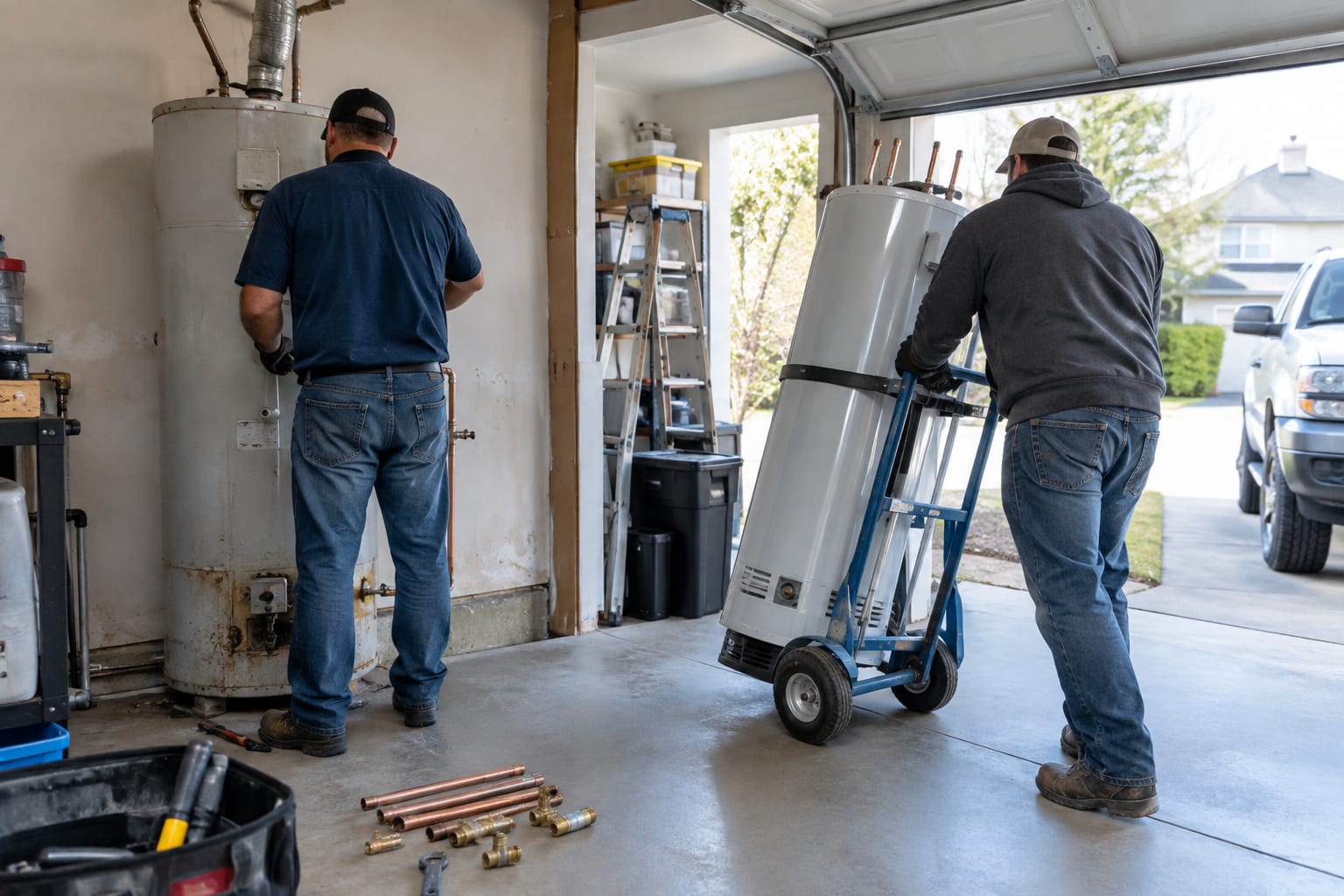
A strong service page covers:
- The problem in the homeowner’s words. “Water heater leaking from the bottom” beats “tank failure diagnostics.”
- What you do and where. Explain the fix, how quickly you typically respond, and which towns or neighborhoods you cover.
- Your license details. Requirements vary by state. In Texas, for example, plumbers are licensed through the Texas State Board of Plumbing Examiners. Show the license number your state issues.
- Proof from real jobs. Add your own photos and a few reviews that mention that specific service.
- A tap-to-call button near the top.
Prioritize by profit, not by volume. If water heater replacements and sewer line work pay the bills, build those pages first.
One warning about town pages. Copying the same text across dozens of “Plumber in [Town]” pages can fall under Google’s doorway pages spam policy. Create a location page only when you have something specific to say about that area.
Make It Easy to Call: Mobile Speed, Click-to-Call and Trust Up Front
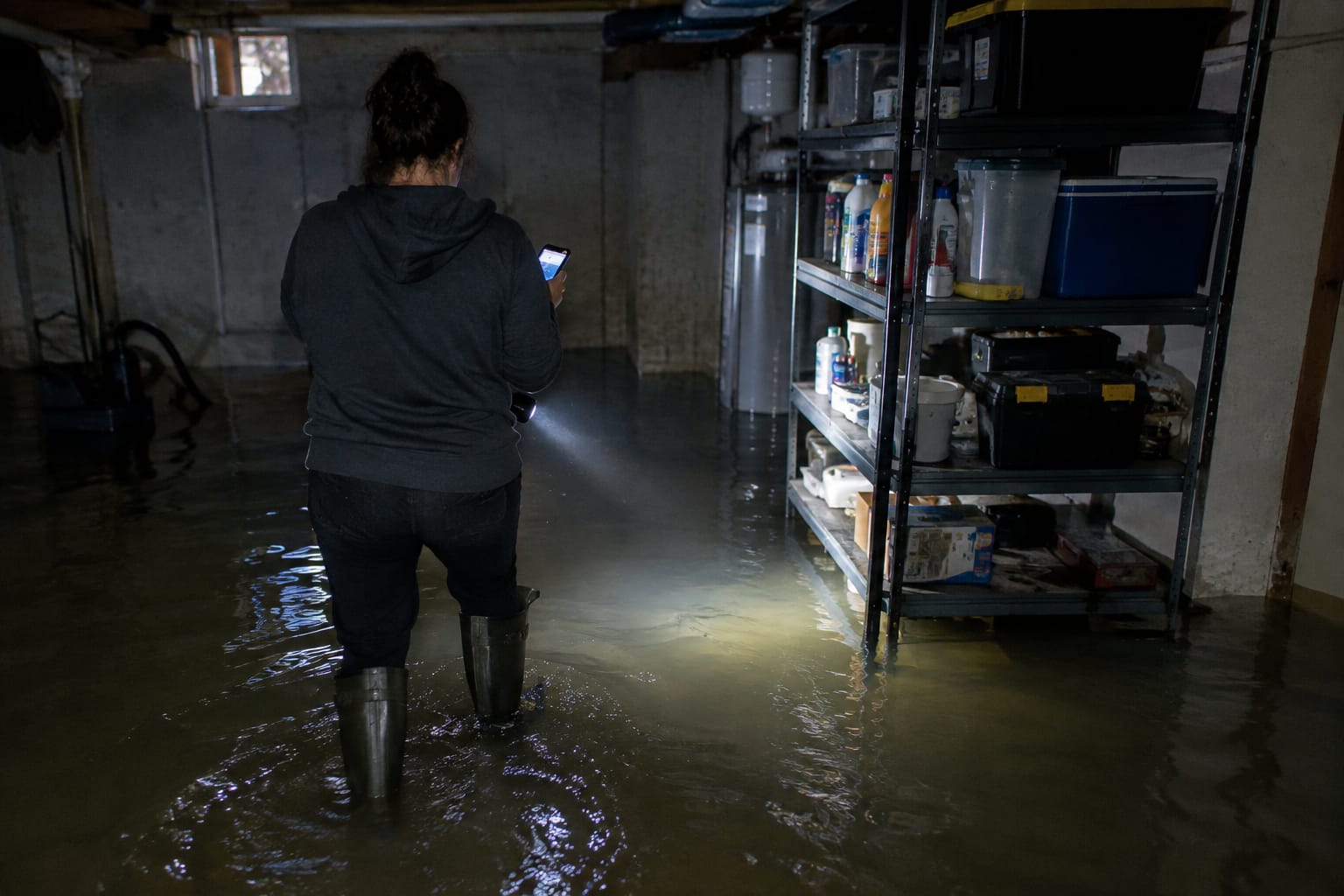
A homeowner with a flooding basement will not hunt for your number. Your plumbing company website needs a visible, tappable phone number on every page, a fast load and proof of trust on the first screen.
The essentials:
- Tap-to-call in the header. Use a phone link that stays visible as visitors scroll on mobile.
- One plain headline. Something like “Licensed plumbers serving [your area], answering [your real hours].”
- Trust before the scroll. License number, review rating and any guarantee you genuinely offer.
- Speed. Google’s Core Web Vitals documentation explains how it measures loading, responsiveness and visual stability. Oversized, uncompressed job photos are a frequent cause of slow pages.
Forms work for planned jobs like repiping quotes. For emergencies, the phone wins. Track calls from the website and from your Business Profile separately so you know which pages produce booked jobs.
Turn “How Do I Fix It Myself?” Searches Into Booked Jobs
Homeowners searching “how to unclog a drain” or “water heater leaking from the bottom” are future customers. Honest how-to content that explains the safe first steps, and the exact point to stop and call, turns those searches into plumbing leads from Google.
Many plumbing companies avoid this content because it feels like giving work away. In practice, DIY readers either fix a small issue and remember who helped, or hit a wall and need a plumber right then. Either way, your name is the one on the page.
Every guide should include a clear decision box like this one.
DIY fix or call a plumber?
- Usually safe to try yourself: a single slow drain, a running toilet, a dripping faucet, a clogged showerhead aerator.
- Call a plumber: sewage backing up into drains, several drains clogged at once, a water heater leaking from the tank itself, water you cannot stop at the fixture shutoff valve.
- Shut off the main water and call immediately: a burst pipe, or water near outlets or the electrical panel.
- Leave the home first: if you smell gas near a water heater, get out and call your gas utility or 911 from outside.
The documented example of this approach comes from another home-service trade. GoBorn, a moving company, built content around the questions people search before hiring. Per Google Search Console data queried on 2026-08-20 and shared with the client’s permission, its organic clicks grew from 770 to 1,925 per month between February and July 2026, about 150%, and average position improved from 28.7 to 16.4, as documented in the GoBorn case study.
That is a moving company, not a plumber. No plumbing client results are published, and results in one trade do not guarantee results in another. The strategy, answering the DIY question honestly, transfers directly.
Answer the Cost Questions Homeowners Google Before They Call
Homeowners search prices before they call. Publishing your real price ranges, plus what makes a job cost more or less, captures those searches and filters out callers who were never going to book.
You do not need a fixed price list. Cost pages that work usually include:
- A real range for the common version of the job, taken from your own invoices. Template: “Water heater replacement: [your typical range], including removal of the old unit.”
- What moves the price: access, pipe material, permit needs, fuel type, after-hours timing.
- Your trip or diagnostic fee, and whether it is credited toward the repair.
- Your after-hours and weekend policy, stated plainly.
- Financing, only if you actually offer it.
Do not borrow national averages from other websites. A homeowner who sees one number online and a different number on your quote loses trust fast.
Pro Tip: Build each range from your own recent invoices for that service, then revisit it when material costs change. A range your techs can actually quote protects the trust the page earns.
Get More Reviews Without Awkward Asks
The easiest way to get more reviews is to ask when the customer is happiest, right after the problem is fixed, and make leaving one take a single tap. Reviews feed the prominence signal Google uses for local rankings, and homeowners read them before they call.
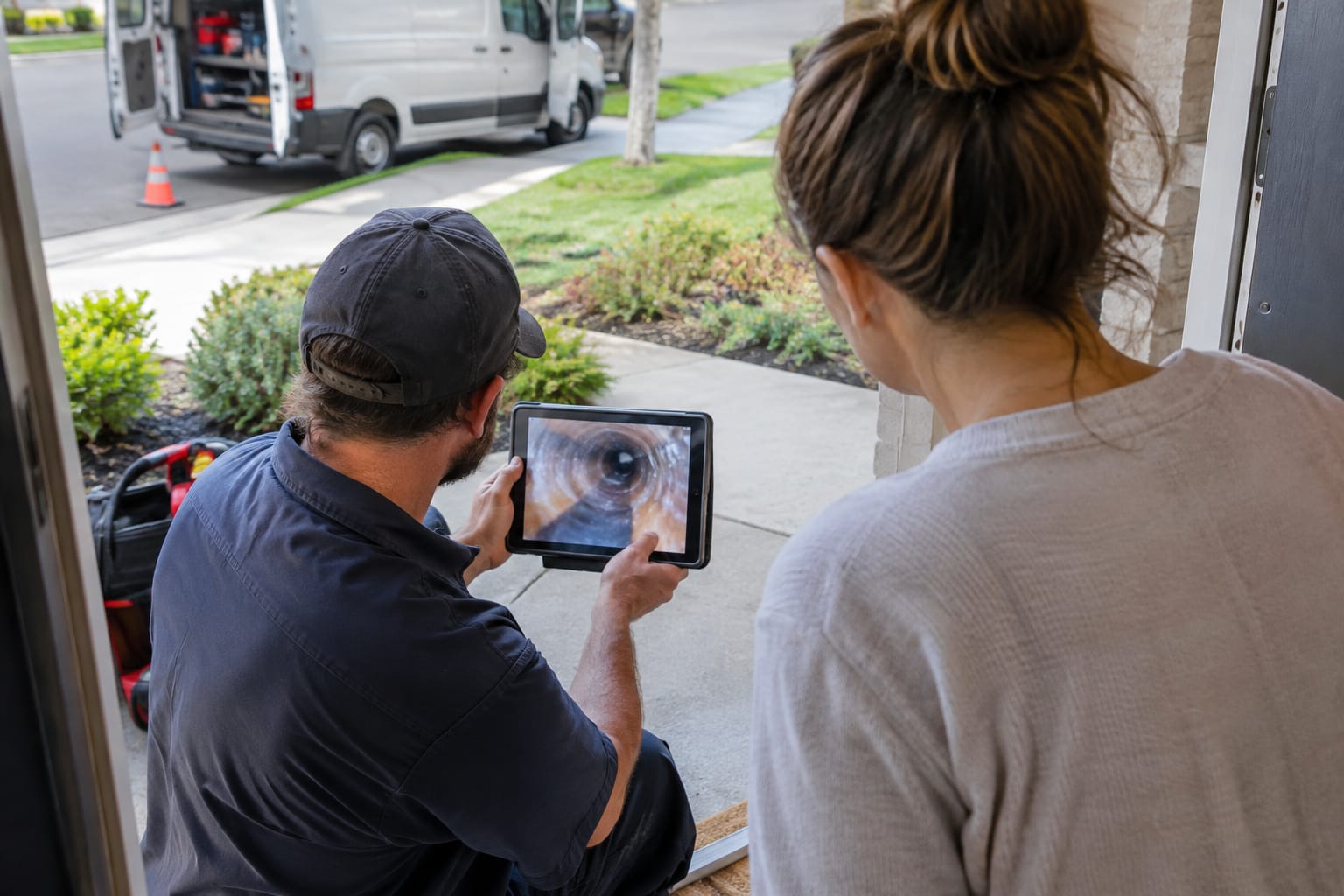
A simple routine:
- Copy your review link from your Google Business Profile and save it as a text message template.
- Ask at the door. The tech mentions it in person, then texts the link before leaving the driveway.
- Invite detail. Ask customers to describe the job in their own words. Reviews that mention “sewer line” or “water heater” help the next homeowner decide.
- Reply to every review, including the critical ones. A calm, specific reply often matters more to readers than the complaint.
Stay inside the rules. Google’s policy on fake engagement prohibits offering incentives for reviews and selectively asking only happy customers. Ask everyone, every time.
Need help with this? Get started
Get Mentioned When People Ask ChatGPT or AI Overviews for a Plumber
Plumbers get mentioned in ChatGPT and Google AI Overviews for largely the same reasons they rank on Google: consistent business facts across the web, clear answers on the website and reviews that show real local work. No setting guarantees a mention.
Google states that no special optimization is required to appear in AI Overviews; standard SEO best practices apply. Practical steps for a plumbing business:
- Keep NAP consistent. NAP means name, address and phone number. Make them identical on your Business Profile, website and directories like Yelp, Angi and the BBB.
- Answer questions plainly on your site. “Do you offer 24-hour emergency service in [area]?” deserves a one-line yes or no, followed by details.
- Label your Q&A with FAQPage schema. This is structured data, a small block of code that tells machines which text is a question and which is the answer. A free FAQ schema generator creates it without coding. Google limited FAQ rich results in 2023 mostly to government and health sites, so do not expect expanded listings.
- Check what assistants say. Each month, ask ChatGPT, Perplexity and Google “best emergency plumber in [your city]” and note whether you appear. Tools for monitoring mentions in ChatGPT and AI Overviews automate this.
Q: Can a plumbing company show up in ChatGPT recommendations?
A: Yes. ChatGPT search draws on web sources, so a plumber with consistent listings, clear service pages and recent reviews gives it more to cite, though no one can guarantee a mention.
For reference, the same moving-company client, GoBorn, has received more than 500 citations in AI answers and grew to DR 94 with 634 referring domains, per the case study linked above. Again, a different trade, shared to show what the approach can produce, not a plumbing promise.
SEO vs Lead Services and Ads, and Who Should Run It
Ads and lead services buy calls now. SEO builds calls you do not pay for one lead at a time. A practical plumbing marketing mix for many companies is paid channels covering today’s schedule while SEO builds the long-term pipeline.
Google Local Services Ads appear at the top of many local searches, show businesses screened by Google, and charge per lead rather than per click. Per-lead costs vary by market and job type, so check current figures in your own account.
| Channel | How you pay | When you stop paying | Best for |
|---|---|---|---|
| Google Local Services Ads | Per lead | Leads stop | Fast emergency calls in competitive areas |
| Google Search Ads | Per click | Clicks stop | Testing a service or seasonal pushes |
| Shared lead services | Per lead or subscription | Leads stop; the same lead may reach several plumbers | Filling gaps in the schedule |
| SEO (profile, website, content) | Your time or a monthly fee | Rankings fade gradually, not overnight | Lowering cost per job over time |
Q: Is SEO better than paying for plumbing leads?
A: They do different jobs. Google Local Services Ads and lead services deliver calls quickly but stop when the budget stops; SEO takes longer and keeps producing calls without a per-lead charge.

The bigger question for an owner is time. Here is how the three ways of running plumber SEO compare:
| Option | Your time | What you still manage |
|---|---|---|
| Do it yourself | Several hours a week | Everything: profile, pages, content, reviews, tracking |
| SEO agency | Monthly calls and approvals | The relationship, contract and reporting |
| Autopilot software | Approvals and review requests | Approving planned steps; asking customers for reviews |
An agency fits better if you want a human strategist, local sponsorships or PR outreach handled for you, and the budget for a retainer. DIY fits if you enjoy it and have evenings free. Whichever you choose, no software or agency can answer your phone at night or ask a customer for a review at the door.
How SERP Agent Runs SEO for Plumbing Companies
SERP Agent is AI SEO automation software that executes the work in this guide rather than handing you a to-do list. It runs a 36+ check technical audit, then builds a 12-week SEO strategy and a 3-month content roadmap from your audit, your competitors and a knowledge base of facts about your business gathered from 13 sources. You see every step before it happens.
From there, it writes and publishes articles, such as service pages, DIY guides with stop-and-call points and cost pages built from your real price ranges, and tracks rankings. Its local SEO automation for the map pack covers Google Business Profile posts, NAP consistency, citations and map-pack tracking, along with backlink and local SEO monitoring for each location.
As listed in October 2026 on the SERP Agent pricing per website page, Basic costs $199 per month (weekly audit, up to 500 keywords, rank tracking for 50) and Pro costs $299 per month (daily audit, up to 2,000 keywords, rank tracking for 300, AI mention monitoring, backlink and conversion monitoring, and gap analysis against 10 competitors). Plans are billed per website, and you can cancel anytime.
Two honest limits. It uses the prices and facts in your knowledge base, so it cannot publish real cost ranges until you provide them. And it cannot fix unanswered night calls. For agency owners who resell SEO to plumbing clients, the agent tier is designed for white-label use; its exact scope is being finalized for launch.
Related Articles
- What Is AI SEO? — how AI changes the way SEO work gets planned and done for small businesses.
- How AI Search Is Rewriting the Rules of SEO in 2026 — what ChatGPT and AI Overviews mean for getting found online.
- How to Read Google Search Console Like an Analyst — how to tell whether your SEO is actually producing clicks.
Useful Links
- Local SEO Automation — Win the Google Map Pack
- GoBorn — Booked Out by Search & Cited by AI
- AI SEO Agent — SEO That Never Stops Working
- Free FAQ Schema Generator — FAQPage JSON-LD
- SERP Agent Pricing — Plans per Website, Cancel Anytime
Need help with this? GoBorn · Get started
Хочете, щоб це робилось за вас — щодня?
Підключіть сайт — і SERP Agent веде аудит, контент і публікацію на автопілоті.