Local SERP Tracking: Monitor Rankings Across Locations
Local SERP tracking shows how you rank by location. Learn to set up geo-grid tracking, separate map pack from organic, and turn the data into ranking wins.
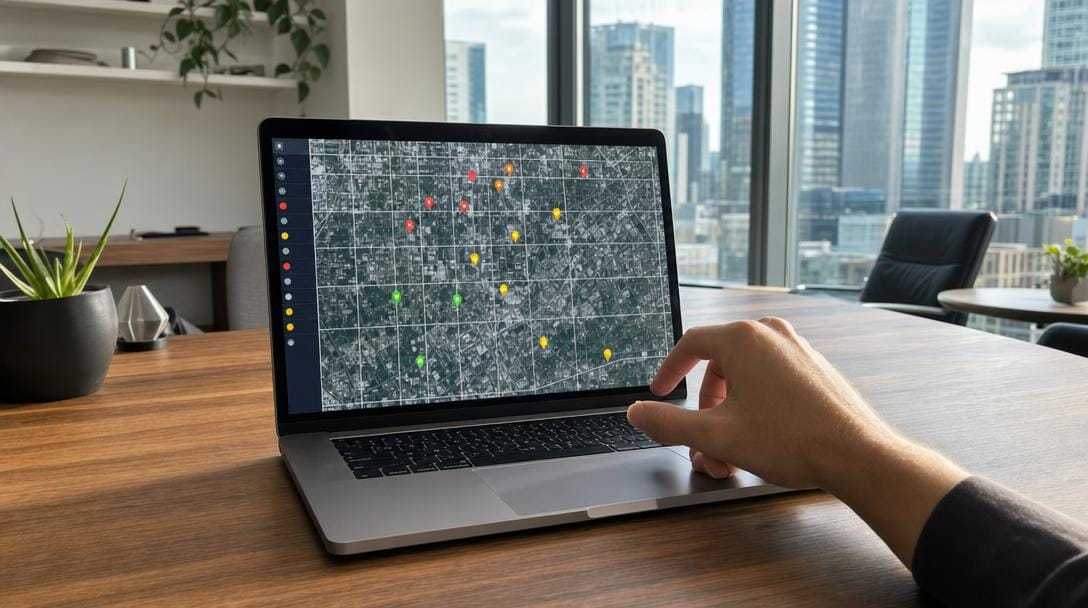
Local SERP tracking is the practice of monitoring your search rankings from specific geographic points — individual cities, zip codes, or map-grid coordinates — instead of one blended national average. It shows exactly how visible your business is to searchers in each area you serve, across both the Google map pack and the organic results below it.
Here's the problem: a keyword that ranks #3 downtown can sit at #25 three miles away. A national rank tracker hides that gap completely. This guide walks through a five-step local rank tracking workflow — choosing locations, setting up geo-grid tracking, separating map pack from organic, setting a cadence, and turning the data into concrete on-page and profile actions.
Key Takeaways
| Point | Details |
|---|---|
| Location changes everything | The same keyword can rank differently block by block because Google ranks local results by relevance, distance, and prominence. A single national number hides that variance. |
| Track two surfaces | The local serp stacks the map pack (the 3-business Maps block) on top of organic links. Track each position separately, not as one score. |
| Grid beats city averages | Geo-grid tracking measures dozens of points across a metro, revealing weak neighborhoods a city-level rank tracker averages away. |
| Cadence matters | Local results shift daily. Most local businesses benefit from at least weekly checks, with high-competition terms monitored more often. |
| Data must drive action | Tracking only pays off when weak grid points trigger fixes to your Google Business Profile insights and on-page content. |
What Local SERP Tracking Is and Why Location Matters

Local SERP tracking measures where your pages and Google Business Profile appear for a keyword when the search runs from a defined location. Standard rank tracking reports one position per keyword. Local rank tracking reports many — one for every point you monitor.
Location matters because Google personalizes results by physical proximity. Google returns different local results depending on where the searcher is standing, so "emergency plumber" surfaces a different three businesses in each neighborhood. If you are new to how results pages work, this glossary entry explains what a SERP is in plain terms.
The local serp is really two surfaces stacked together: the map pack — the three-business Maps block near the top — and the traditional organic links beneath it. Location-based tracking captures both because a business can dominate the map pack yet be invisible in organic, or the reverse.
Q: Is local SERP tracking different from checking my rank in Google?
A: Yes. Checking your own rank in a browser returns results biased by your location and search history; local SERP tracking simulates clean searches from many defined coordinates, giving one position per location instead of a single skewed number.
Step 1: Choose the Keywords and Locations to Track
Start by listing the exact searches and places your customers actually use. A useful local keyword rank tracker is only as good as the keyword-plus-location pairs you feed it.
Group your terms into three intent buckets:
- Service + city — "movers Boston," "dentist Austin." High commercial intent.
- "Near me" queries — "storage near me." Google resolves these purely by location.
- City-to-city and neighborhood terms — "Chicago to Miami movers," "plumber in Wicker Park."
Then pick the locations. To track local rankings by location well, cover every market you serve plus the specific neighborhoods where you want more jobs. For a multi-market brand, city-level rank tracking across all served metros is the baseline, with denser points in your top revenue cities.
SERP Agent built exactly this kind of multi-city local topic map for GoBorn — service, "near me," and city-to-city moving questions, prioritized by intent and conversion value across every market the mover serves.
Step 2: Set Up Geo-Grid or City-Level Tracking
Decide your tracking granularity before you add a single keyword. Coarse city-level tracking answers "how do I rank in Denver?" Geo-grid tracking answers "how do I rank on every street in Denver?"
Grid rank tracking places a matrix of virtual search points across a map — for example a 5x5 or 7x7 grid — and checks your position at each pin. The output is a heat map: green where you rank top-three, red where you fall off. That granularity exposes the gaps a single city average erases.
| Method | Best for | Granularity | Effort |
|---|---|---|---|
| City-level rank tracking | Multi-market visibility overview | One point per city | Low |
| Zip/postcode tracking | Mid-sized service areas | One point per postcode | Medium |
| Geo-grid tracking | Dominating a metro block by block | Dozens of points per city | Higher |
Pro Tip: Set your geo-grid pin spacing to match your real service radius. A 1-mile grid makes sense for a dense urban restaurant; a 5-mile grid fits a mover covering a whole metro. Too tight and you drown in redundant data; too wide and you miss the weak pockets.
Step 3: Separate Map Pack and Organic Positions
Never collapse map pack tracking and organic tracking into one number. They are ranked by different signals and demand different fixes. Proximity and profile prominence drive the map pack; content and links drive organic.

Map pack SEO rewards a complete, active Google Business Profile with reviews and accurate categories. Local pack SEO problems usually mean profile or proximity issues. Organic problems usually mean thin content or weak topical authority. If your tracker shows you at #2 in the map pack but #19 organically, you know precisely which lever to pull. For the ranking side of this, our map pack SEO guide covers the profile and category work in depth.
Q: Do map pack and organic rankings move together?
A: No. They use different ranking signals, so a business can hold the #1 map pack slot while sitting on page two organically — which is exactly why map pack tracking and organic tracking must be recorded as separate positions.
Pro Tip: Track your Google Business Profile and your service page as two separate rows for the same keyword. When one moves and the other doesn't, you've isolated whether the fix belongs in your profile or your content.
Serp Agent can help: Serp Agent runs local rank tracking, content, and Google Business Profile optimization on autopilot, so you see location-by-location movement without managing separate tools. Learn more →
Step 4: Establish a Baseline and Tracking Cadence
Capture a baseline before you change anything. Record every keyword-location position on day one so future movement is measurable, not guessed.
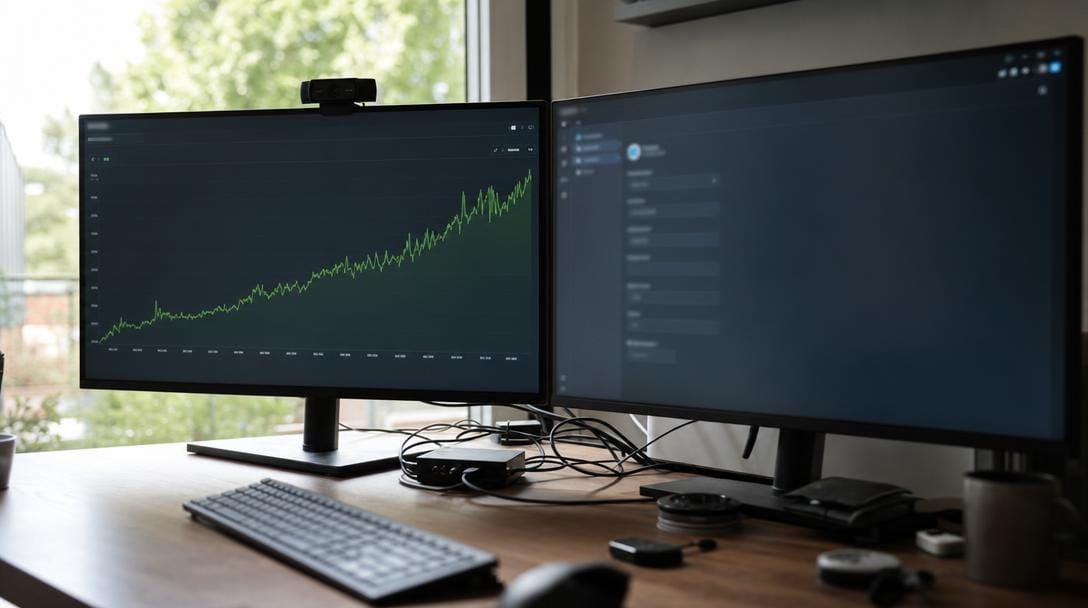
Local results shift daily as competitors update profiles and Google recalibrates. Your cadence should match your competition and volatility. Pair this rank data with your search analytics — this walkthrough on how to read Google Search Console like an analyst shows how to connect impressions and clicks to position changes for sharper local visibility monitoring.
| Scenario | Recommended cadence | Reason |
|---|---|---|
| High-competition urban keywords | Daily to every few days | Positions swing fast; you need early warning |
| Standard local service terms | Weekly | Balances signal and noise for most businesses |
| Stable, low-competition markets | Every 1–2 weeks | Little movement to catch; save resources |
Pro Tip: Screenshot your top three keywords' live SERPs on day one and store them with the date. Numbers show movement; screenshots show why — a new competitor, a fresh review count, or an expanded map pack.
Step 5: Turn Tracking Data into Ranking Actions

Treat every red grid cell as a task, not just a stat. Tracking only earns its keep when weak points trigger specific fixes.

Work the data in a loop:
- Find the weakest cluster — the neighborhoods or cities where you rank worst.
- Diagnose the surface — map pack weakness points to profile and proximity; organic weakness points to content.
- Fix the map pack — refine categories, post updates, request reviews, and review your Google Business Profile insights for search-query gaps.
- Fix organic — build or strengthen a location-relevant page targeting that term.
- Re-track and confirm — verify the grid turns greener after each change.
This is the step most guides skip. A local serp checker that only reports numbers leaves the real work undone; the value is in the closed loop between tracking and on-page or profile action.
Common Local SERP Tracking Mistakes to Avoid
Most local rank tracking failures come from a handful of repeatable errors. Avoid these and your data stays trustworthy.
- Checking rankings in your own browser — personalized results lie. Use a clean local serp checker with defined coordinates.
- Tracking a single city point — one pin per metro hides the neighborhoods where you're losing jobs.
- Merging map pack and organic — you lose the ability to diagnose which surface is failing.
- Ignoring cadence — a quarterly check misses the competitor who overtook you in week two.
- Tracking without acting — data with no follow-up fix is a cost, not an asset.
Avoiding these is far easier when the workflow runs continuously. That is the core promise of local SEO automation: rankings watched daily and pages refreshed the moment a competitor slips, rather than a manual monthly audit.
How SERP Agent Automates Local SERP Tracking
SERP Agent, an AI SEO Automation Software platform, runs the entire local tracking loop — monitoring, content, and publishing — without the owner managing tools. Rankings are monitored every day, and pages are refreshed automatically the moment a competitor slips.
The outcome shows in the numbers. For GoBorn, a multi-city US mover, the platform lifted organic clicks 142% and average position from 28.6 to 17.4 over five months, while impressions climbed 79% and the brand reached #1 in every city it serves. A separate B2B launch, Virtual Estimate, went from a standing start to a 232-keyword footprint, 58 of them in the top three.
| Task | Manual approach | SERP Agent approach |
|---|---|---|
| Rank checks | Periodic, browser-biased | Tracked daily from clean locations |
| Map pack vs organic | Often merged | Separated and diagnosed |
| Acting on weak points | Ad hoc | Pages refreshed and interlinked continuously |
| Owner time | Hours weekly | Owner does not touch it |
Because the same engine also handles content and automated rank tracking and reporting, the data feeds straight back into fixes. If you'd like to discuss your specific markets, SERP Agent offers a walkthrough of how this would map to your locations.
Related Articles
- Map Pack SEO: How to Rank in Google's Local 3-Pack — Learn the profile, category, and review tactics that win the local 3-pack.
- How to Read Google Search Console Like an Analyst — Turn impressions and clicks into position-level insight for local pages.
- SEO for Agencies: How to Scale Client Results — See how to run tracking and reporting across many client locations.
- How AI Search Is Rewriting the Rules of SEO — Understand how AI Overviews change local visibility.
- Topic Clusters That Actually Convert Visitors — Structure location content that ranks and converts.
Want this done for you — every day?
Connect your site and SERP Agent runs the audit, the content and the publishing on autopilot.