SERP Features Explained: Types and How to Win Them
Learn what a SERP feature is, explore every type of SERP feature, and discover the exact schema and on-page tactics that win each one in AI search.

A SERP feature is any element on a Google search results page that is not a standard blue-link listing — featured snippets, AI Overviews, People Also Ask boxes, local packs, image carousels, video results, and knowledge panels all qualify. These features occupy the most valuable space above and around the organic results. Understanding each type — and the exact signal that triggers it — is the difference between owning a query and watching a competitor own it. This guide breaks down every major type, then maps each one to the schema or on-page pattern that wins it.

Key Takeaways
| Point | Details |
|---|---|
| Definition | A SERP feature is any non-standard result — snippet, AI Overview, local pack, panel — that changes how a search page looks and behaves. |
| Scale of change | Nearly a significant share of US Google searches now end without a click, per SparkToro's zero-click study. |
| AI shift | Featured snippets and structured answers directly feed Google's AI Overviews, so winning them compounds visibility. |
| Winning mechanism | Most features are triggered by clear on-page answers plus valid structured data, not backlinks alone. |
| Tracking | Feature ownership is monitored with rank trackers, a SERP scraper, or a scheduled SERP robot that logs which boxes you hold. |
What Is a SERP Feature?
A SERP feature is any result format on a search engine results page beyond the ten traditional organic links. Google introduced them to answer queries faster and keep users on the results page.
To understand where these sit, it helps to first know what a SERP is: the page returned after any query. Features are the interactive, visual, and answer-based blocks layered on top of that page.
The full serp features list keeps growing, but most fall into a handful of recognizable groups. Below is a compact taxonomy of the major types of serp features and what triggers each one.
| Type of SERP Feature | What It Looks Like | Primary Trigger |
|---|---|---|
| Featured snippet | Boxed answer at the very top | Clear, concise on-page answer |
| AI Overview | AI-generated summary with sources | Entity clarity + topical authority |
| People Also Ask | Expandable list of related questions | Question-focused content |
| Local pack | Map plus three business listings | Google Business Profile signals |
| Image pack | Horizontal row of images | Optimized, well-labeled images |
| Video carousel | Row of video thumbnails | Video content and markup |
| Knowledge panel | Info box about an entity | Structured entity data |
| Rich results | Stars, prices, FAQs in a listing | Valid structured data |
Q: What is the main purpose of a SERP feature?
A: SERP features answer a query directly on the results page, which is why nearly a significant share of US searches now end in zero-click behavior rather than a website visit.
1. Featured Snippets (Position Zero)
A featured snippet is a boxed answer pulled from a ranking page and displayed above the first organic result. It is often called position zero because it sits ahead of the number-one link.

Google generates a featured snippet programmatically when a page answers a question cleanly and concisely, according to Google's featured snippets documentation. You cannot mark up your way in — you earn it with format and clarity.
How to win a featured snippet:
- Place a direct 40-60 word answer immediately under a question-style H2.
- Use lists and tables for "steps," "best," and "vs" queries.
- Match the exact phrasing searchers use in the heading.
- Keep the answer self-contained — no "as mentioned above."
Pro Tip: Target snippets you already rank on page one for. Google almost always sources the box from a top-ten result, so a rank-8 page with a poorly formatted answer is your fastest win — reformat, don't rebuild.
2. AI Overviews and Generative Answers
An AI Overview is an AI-generated summary that appears at the top of many results, synthesizing multiple sources into one answer with citation links. It is the most disruptive serp feature of the current era.
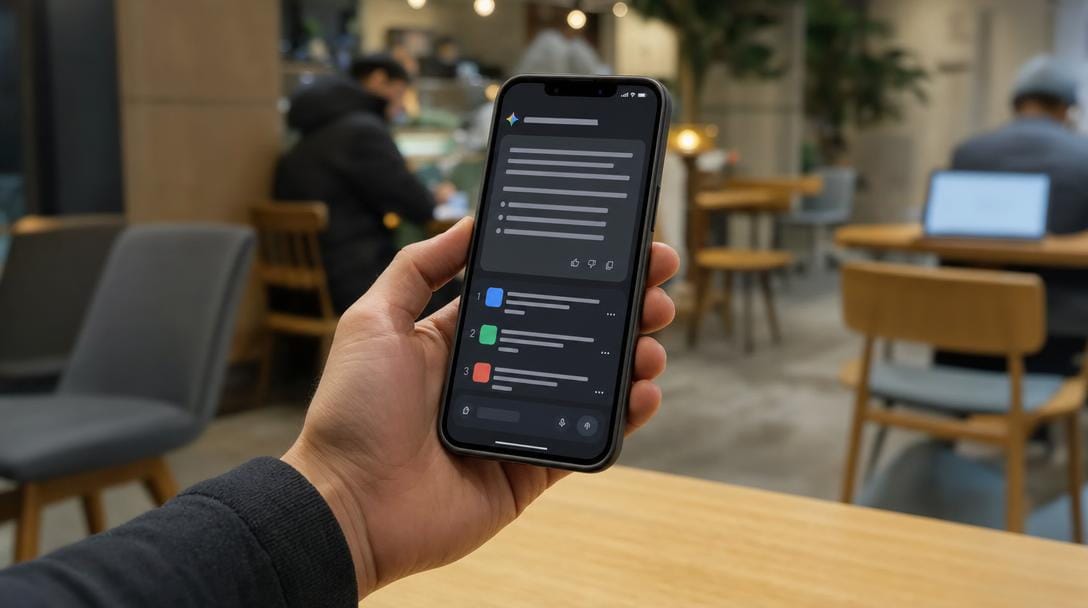
Google AI Overviews draw heavily on the same content that wins featured snippets: concise answers, clear structure, and strong entity signals. Google has confirmed these summaries pull from the broader web index, not a separate system, in its generative search announcements.
How to earn citations inside ai overviews:
- Answer the question in the first two sentences of a section.
- Reinforce entities with consistent names, definitions, and internal links.
- Demonstrate E-E-A-T with clear authorship and sourcing.
- Add FAQ and How-To structure so answers are easy to extract.
The strategic point is compounding: content built for snippets and structured answers feeds AI Overviews at the same time. One editorial standard wins two placements.
3. People Also Ask (PAA) Boxes
A People Also Ask box is an expandable cluster of related questions that unfold into short answers when clicked. Each expansion loads more questions, making the box a near-infinite map of user intent.
The people also ask feature rewards content organized around real questions. Every H2 phrased as a question, with a tight answer beneath it, becomes eligible to appear.
How to win PAA placements:
- Mine the box itself for question variations and cover them on-page.
- Answer each question in 2-3 sentences before expanding.
- Add FAQPage structured data so machines can parse your Q&A.
You can generate FAQ schema to win rich results and PAA eligibility from the same set of questions, turning one FAQ block into two feature opportunities.
Pro Tip: Treat PAA as free keyword research. Expand a box five or six times, log every question, and you have a validated content outline mapped directly to what searchers ask next — no paid tool required.
4. Local Pack and Map Results
The local pack is a map with three business listings shown for queries with local intent, such as "near me" or city-based searches. It sits above the organic results and dominates mobile screens.
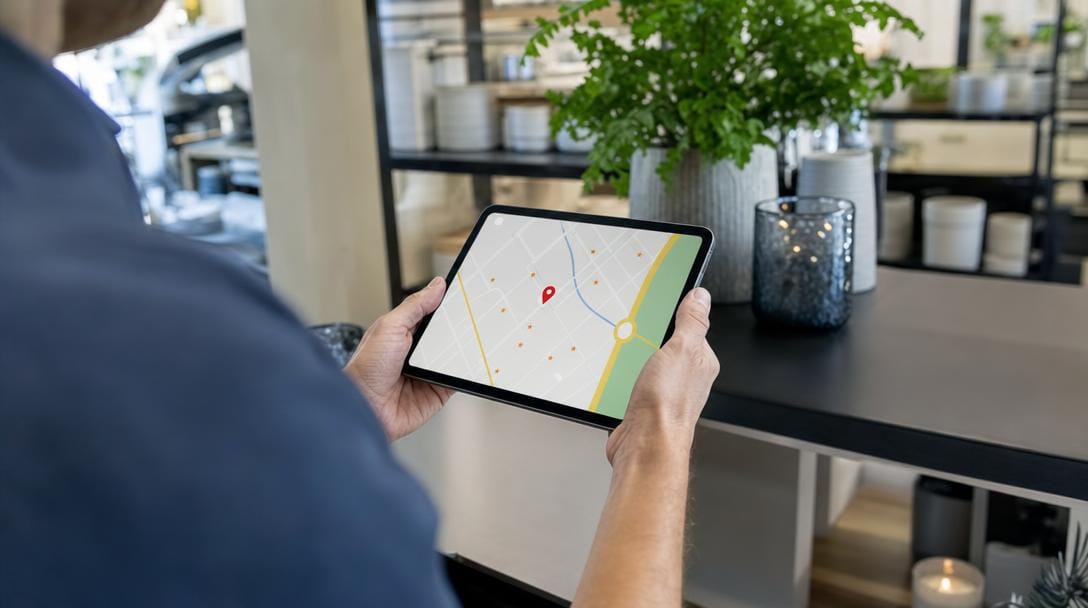
The local pack is triggered by Google Business Profile signals, proximity, and review volume rather than traditional page ranking, as outlined in Google Business Profile guidelines. This is one of the few features that AI Overviews rarely replace, because local intent still demands a map and directions.
- Complete and verify a Google Business Profile with accurate categories.
- Keep name, address, and phone (NAP) identical across the web.
- Earn steady, recent reviews with owner responses.
- Add LocalBusiness structured data to the website.
Q: Are local pack rankings the same as organic rankings?
A: No. Local pack position depends on proximity, Google Business Profile completeness, and reviews — a business can hold the map pack while ranking outside the top ten organically.
5. Image, Video and Knowledge Panels

Image packs, video carousels, and knowledge panels are visual and entity-based features that Google shows when a query implies pictures, tutorials, or a well-known subject. Each is won differently.
Image packs favor properly sized files with descriptive alt text and captions. Video carousels reward pages using VideoObject markup, per Google's video best practices, plus clear titles and thumbnails.
A knowledge panel is the information box shown for entities — people, brands, places, and organizations. It is populated from structured, corroborated data rather than a single page.
How to strengthen knowledge panel eligibility:
- Publish Organization or Person structured data with
sameAslinks. - Maintain consistent entity details across Wikipedia, Wikidata, and social profiles.
- Build authoritative citations that confirm the same facts.
These entity signals matter beyond the panel itself — they are exactly what AI systems parse when deciding which brand to name in a generative answer.
6. Rich Results and Review Stars
Rich results are enhanced organic listings that display extra detail — star ratings, prices, availability, FAQs, or recipe times — pulled from structured data. Review stars are the highest-impact variant because they lift click-through on an otherwise ordinary listing.

Unlike featured snippets, rich results are explicitly enabled by markup. Google lists every supported type in its structured data search gallery, and eligibility depends on valid, guideline-compliant code.
Common rich result types and their schema:
- Review stars →
Review/AggregateRating - FAQ accordions →
FAQPage - Product details →
Product/Offer - How-to steps →
HowTo - Breadcrumbs →
BreadcrumbList
Structured data uses the shared Schema.org vocabulary, which both Google and AI engines read to understand page meaning. Clean markup is now a dual-purpose asset: it earns rich results and improves machine comprehension for AI citations.
SERP Feature-to-Action Matrix: Which Schema Wins Each
The fastest way to prioritize work is to map each serp feature to the single signal that wins it and its exposure to AI search. Use the matrix below to decide where markup helps and where formatting matters more.
| SERP Feature | Winning On-Page / Schema Signal | AI-Search Impact |
|---|---|---|
| Featured snippet | 40-60 word answer under a clear H2; lists and tables | Directly feeds AI Overviews |
| AI Overviews | E-E-A-T, entity clarity, structured answers | Can replace several blue links |
| People Also Ask | FAQPage schema + question-based headings | Expands AI follow-up answers |
| Local pack | Google Business Profile, reviews, NAP consistency | Largely AI-resistant |
| Image / Video | Descriptive alt text, VideoObject schema | Feeds visual AI results |
| Knowledge panel | Organization schema, sameAs, Wikidata |
Powers AI entity answers |
| Rich results (stars) | Review / AggregateRating schema | Strengthens AI citations |
Before publishing, sanity-check how a listing will render using a free SERP snippet preview tool so your title, description, and markup read cleanly at real display widths.
How to Track Which SERP Features You Own
Tracking SERP features means logging, per query, which boxes your domain occupies over time — snippet, PAA, local pack, or AI Overview citation. Rankings alone no longer tell the full story.
Three practical methods:
- Rank trackers with feature flags — most enterprise tools tag which features appear for each serp keyword and whether you own them.
- A SERP scraper — a script or service that captures the live results page, useful for auditing feature presence at scale.
- A scheduled SERP robot — an automated job that re-checks target queries daily and alerts you when a competitor takes a snippet you held.
Pro Tip: Track feature ownership, not just position. A page ranking number two below an AI Overview and a snippet may capture almost no clicks, while a snippet-owning number-four listing captures many. Position without feature context is a vanity metric.
The reason this discipline matters is momentum. When rankings are monitored every day and pages are refreshed the moment a competitor slips, feature ownership stays sticky — the same "pounce" mechanics that keep the strongest link profiles in a niche defending their positions.
Related Articles
- What Is a SERP? Search Engine Results Pages Explained — learn how a results page is structured and where every feature sits.
- How AI Search Is Rewriting the Rules of SEO — understand how generative answers are reshaping visibility.
- Topic Clusters That Actually Convert Visitors — see how clustered content builds the authority features reward.
- How to Read Google Search Console Like an Analyst — measure which queries and features drive real impressions.
- How to Get Your Business Recommended by ChatGPT and AI Overviews — learn the entity signals that earn AI citations.
Want this done for you — every day?
Connect your site and SERP Agent runs the audit, the content and the publishing on autopilot.